AI活用を効率化する仕組み作り
Build a SuperClaude Framework Workflow with Commands, Agents, Modes, and Session Memory
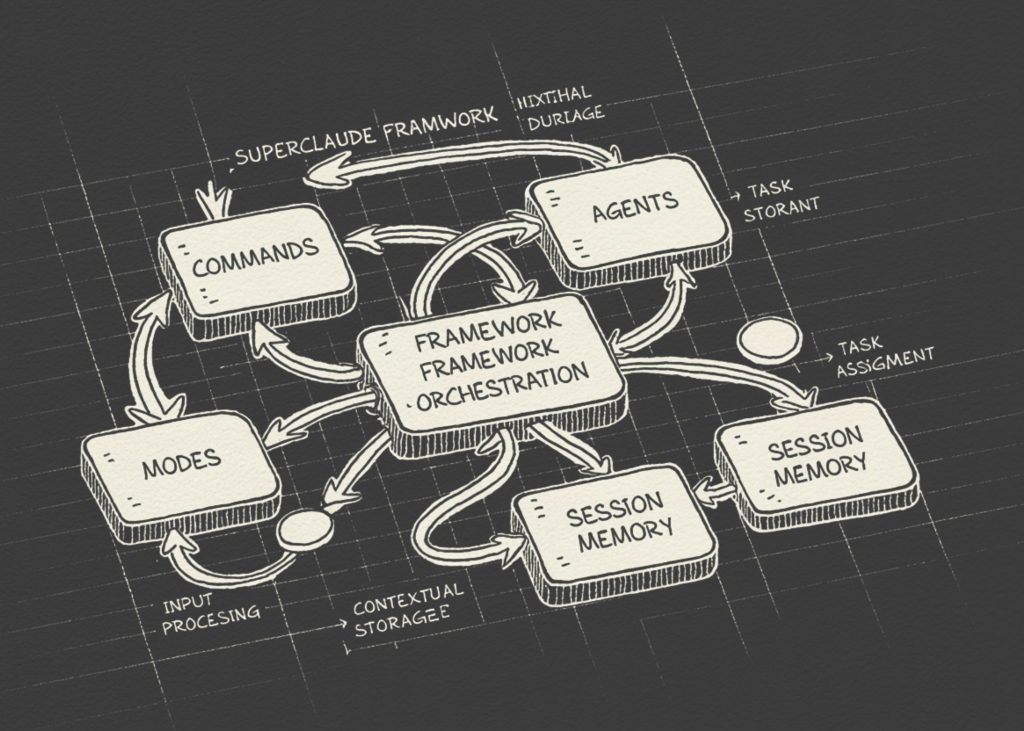
SuperClaude Frameworkを使い、AI(人工知能)をより賢く、一貫して動かすための高度な仕組みを構築。複雑な開発作業でAIの活用が効率化されます。
このチュートリアルでは、Anthropic APIの上に構造化されたレイヤーとしてSuperClaude Frameworkを使用し、高度なワークフローを構築します。私たちはフレームワークをクローンし、そのコマンド、エージェント、モードを発見し、各モデル呼び出しの前に、関連するMarkdownの振る舞いファイルをシステムプロンプトに動的にロードするPythonブリッジを作成します。実践的な例を通じて、ブレーンストーミング、フロントエンドの実装、セキュリティ分析、ビジネス戦略、詳細な研究計画、トークン効率の良い応答、そしてセッションの保存とロードをサポートする連鎖的な多段階開発ワークフローを探求します。また、これらの再利用可能なフレームワークアセットが、プロンプトをより一貫性があり、役割を認識し、複雑なAI支援ソフトウェア開発タスクに適したものにする方法を学びます。import subprocess, sys, os, json, textwrap, getpass, time from pathlib import Path def _pip(pkg): subprocess.run([sys.executable, "-m", "pip", "install", "-q", pkg], check=True) for mod, pkg in [("anthropic", "anthropic>=0.40.0"), ("rich", "rich")]: try: __import__(mod) except ImportError: print(f" Installing {pkg} …") _pip(pkg) from anthropic import Anthropic from rich.console import Console from rich.panel import Panel from rich.table import Table console = Console() REPO_DIR = Path("/content/SuperClaude_Framework") if not REPO_DIR.exists(): console.print(" Cloning SuperClaude Framework …", style="cyan") subprocess.run( ["git", "clone", "--depth", "1", "https://github.com/SuperClaude-Org/SuperClaude_Framework.git", str(REPO_DIR)], check=True, capture_output=True, ) console.print(f" Framework ready at {REPO_DIR}", style="green")必要なPythonパッケージをインストールし、チュートリアルに必要なコアライブラリをインポートします。Colabの出力がクリーンで構造化され、読みやすくなるようにRichコンソールを初期化します。次に、SuperClaude Frameworkリポジトリをクローンし、フレームワークファイルがローカルで利用可能であることを確認します。def discover_assets(root: Path) -> d
この記事について質問
記事の内容に答えます。記事外のことは都度ウェブで調べます。