自動化ツールを学ぶ実践環境
How to Design an End-to-End Ansible Automation Lab with Playbooks, Inventories, Roles, Vault, Dynamic Inventory, and Custom Modules
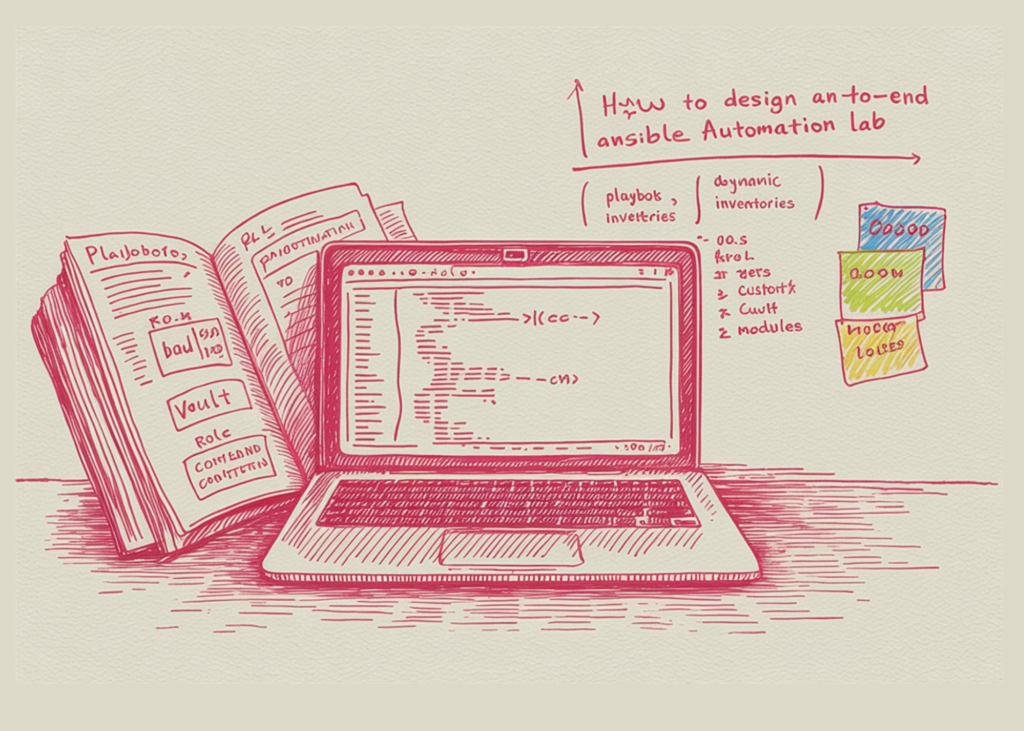
Google Colabなどで自動化ツールAnsibleを学ぶための実践的なラボ環境を構築する方法が公開され、SSHやリモートサーバーなしで安全に自動化技術を習得できるため重要です。
このチュートリアルでは、Google Colabまたは任意のLinux環境でエンドツーエンドに実行できる完全なAnsibleラボを構築します。ansible-coreのインストール、ローカルワークスペースのセットアップ、Ansible設定ファイルの作成、静的および動的インベントリの定義から始めます。次に、グループ変数、ホスト変数、変数優先順位、アドホックコマンド、Playbook、ループ、条件、登録された出力、ファクト、テンプレート、カスタムフィルター、カスタムモジュール、ロール、ハンドラー、タグ、ドライラン、冪等性、Ansible Vaultなど、主要なAnsibleの概念を探ります。すべてのホストがローカルで実行されるため、SSHキー、リモートサーバー、またはクラウドインフラストラクチャを必要とせずに、これらの概念を安全に練習できます。
コードをコピー コピー済み 別のブラウザを使用
import os, sys, subprocess, textwrap, stat
BASE = "/content/ansible_lab" if os.path.isdir("/content") else os.path.expanduser("~/ansible_lab")
os.makedirs(BASE, exist_ok=True)
ENV = os.environ.copy()
ENV["ANSIBLE_CONFIG"] = os.path.join(BASE, "ansible.cfg")
ENV["ANSIBLE_FORCE_COLOR"] = "1"
ENV["PY_COLORS"] = "0"
def banner(title):
print("\n" + "=" * 78 + f"\n {title}\n" + "=" * 78)
def write(relpath, content):
"""BASEの下に、親ディレクトリを作成して、デデントされたファイルを書き込みます。"""
path = os.path.join(BASE, relpath)
os.makedirs(os.path.dirname(path), exist_ok=True)
with open(path, "w") as f:
f.write(textwrap.dedent(content).lstrip("\n"))
return path
def sh(cmd, title=None):
"""BASEからシェルコマンドを実行し、標準出力をストリームし、決して例外を発生させません。"""
if title:
banner(title)
print(f"$ {cmd}\n")
p = subprocess.run(cmd, shell=True, cwd=BASE, env=ENV, stdout=subprocess.PIPE, stderr=subprocess.STDOUT, text=True)
print(p.stdout)
return p.returncode
banner("STEP 1 — Installing ansible-core")
subprocess.run([sys.executable, "-m", "pip", "install", "-q", "ansible-core"], check=True)
sh("ansible --version")
write("ansible.cfg", """ [defaults] inventory = ./inventory.ini roles_path = ./roles library = ./library filter_plugins = ./filter_plugins vault_password_file = ./vault_pass.txt ho"
この記事について質問
記事の内容に答えます。記事外のことは都度ウェブで調べます。